CW Eye - A Procedural Shader Tree for Blender



Blender version: 4.2 | 4.0 | 3.6 | 2.93
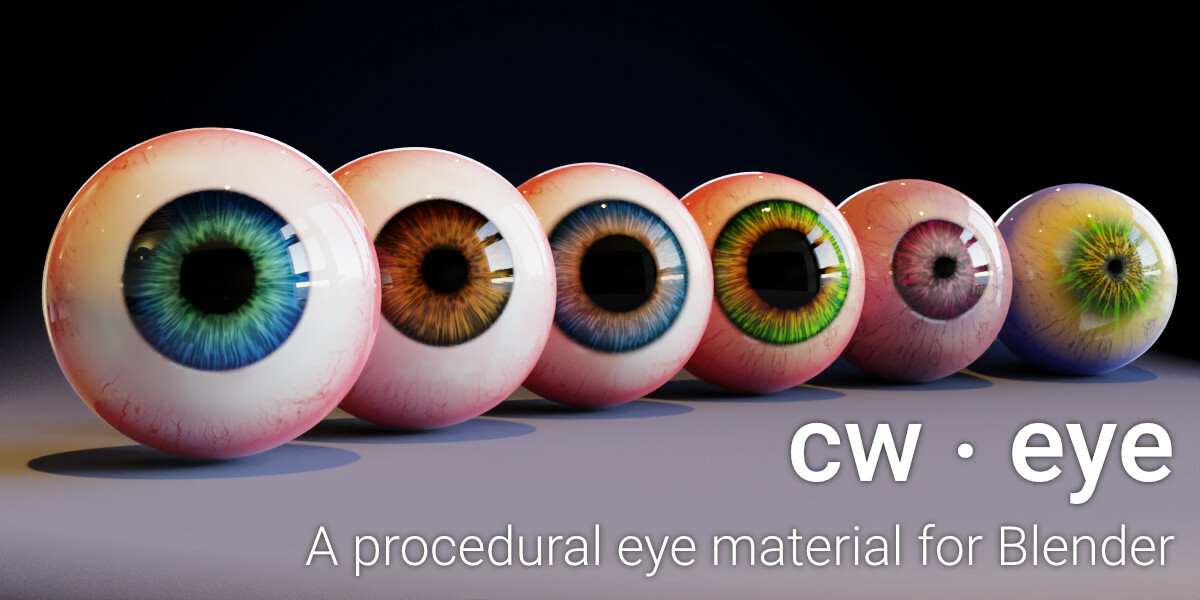
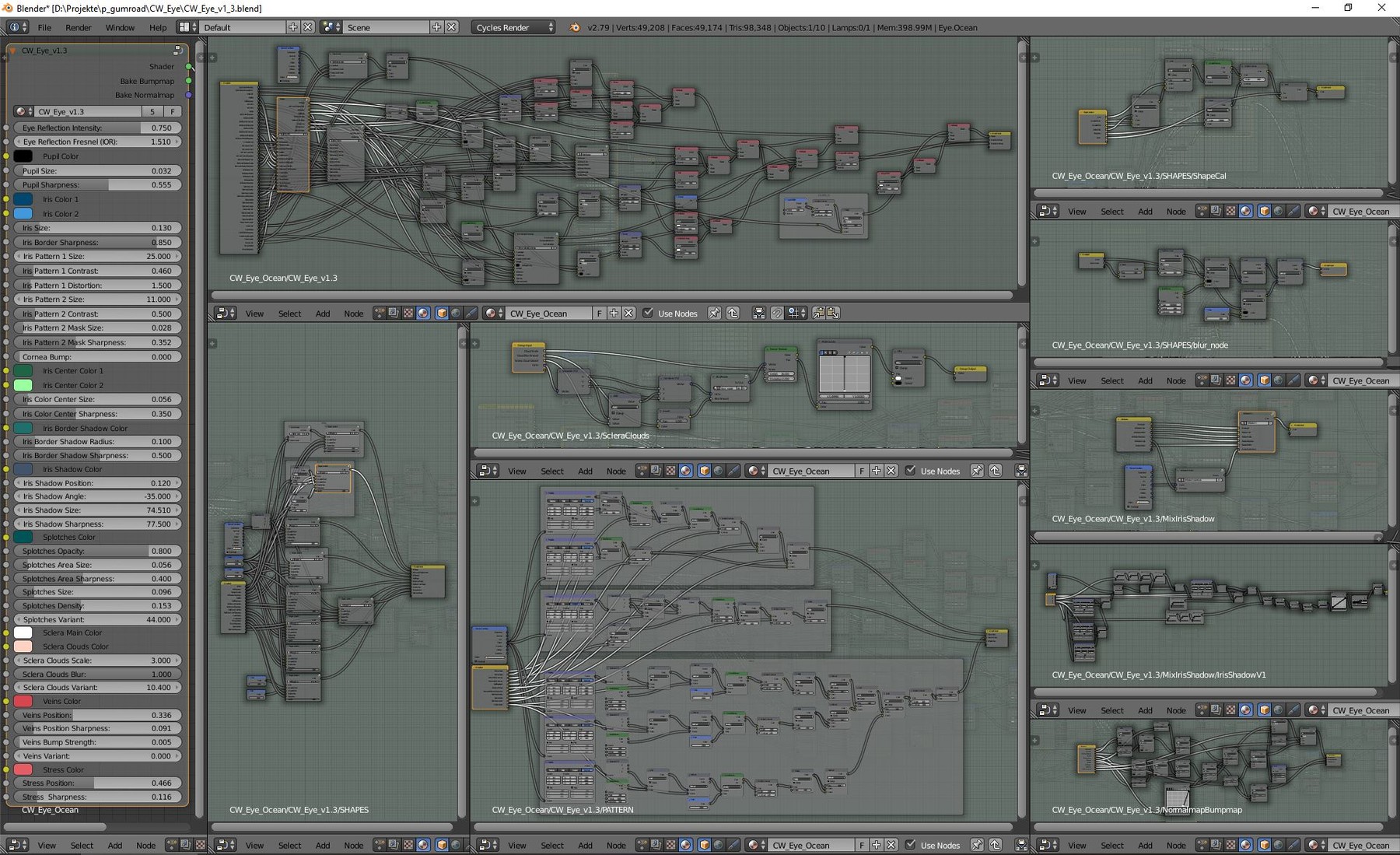
CW Eye is a procedural material shader tree for the open source software Blender.
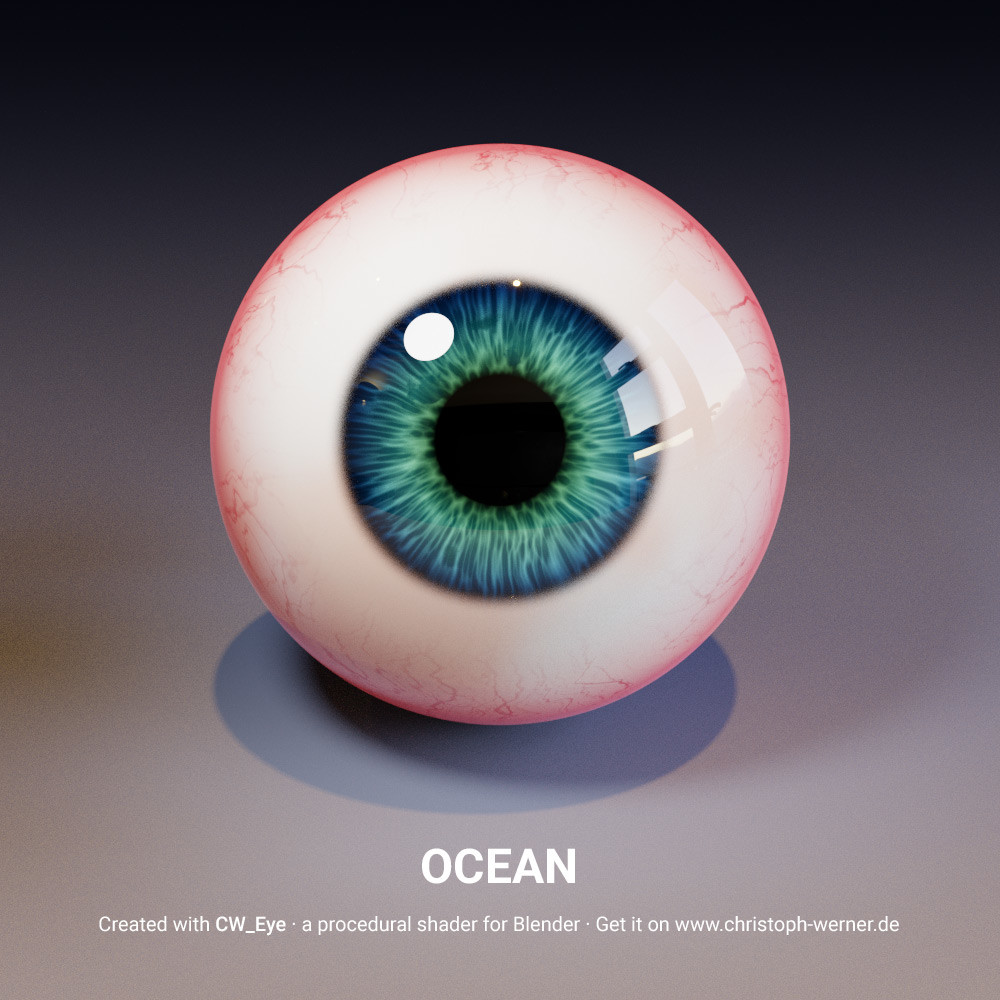
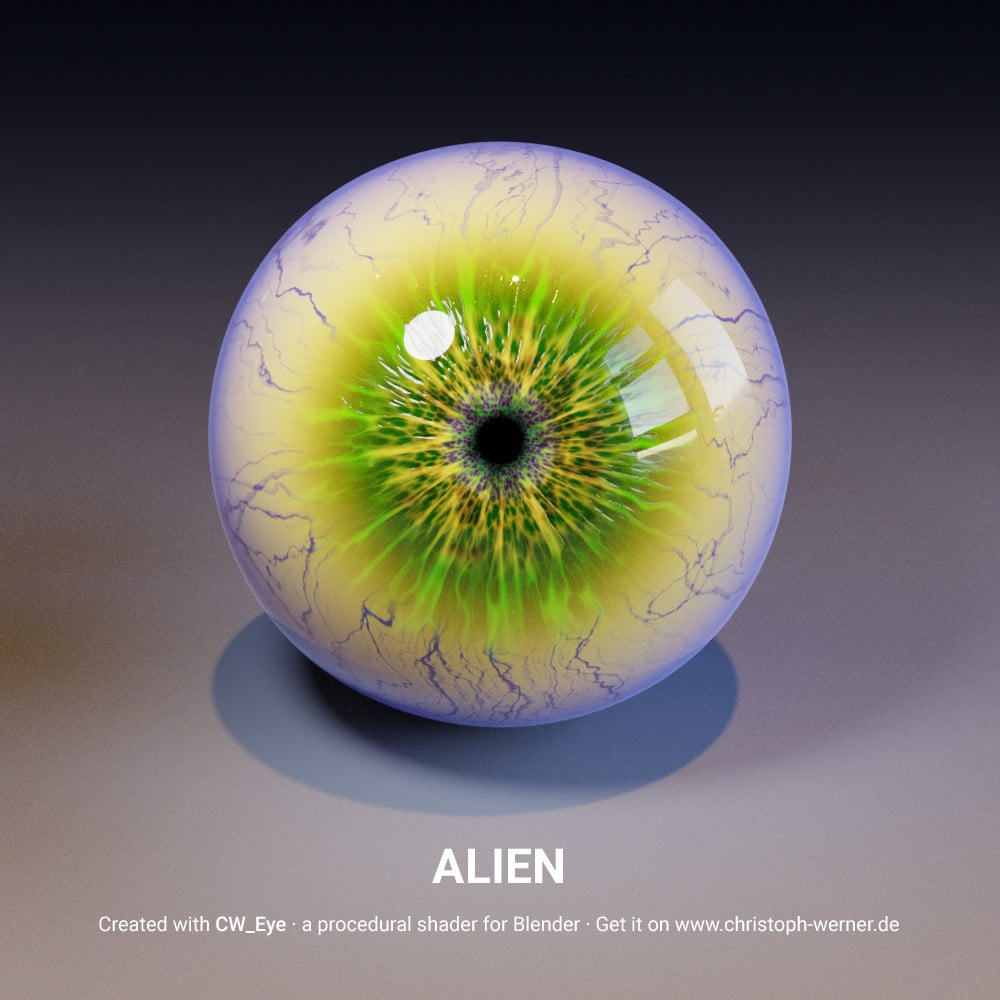
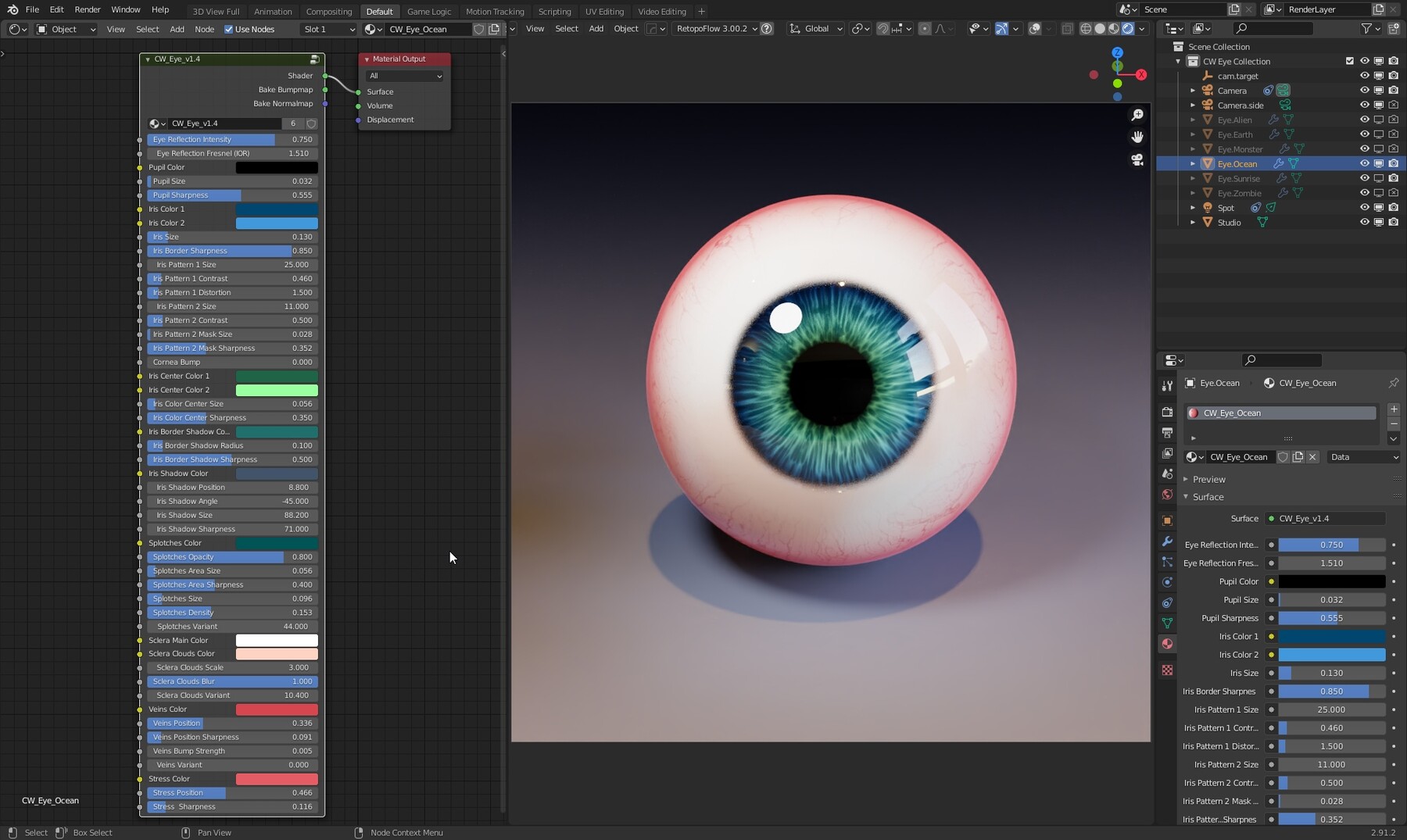
You can create countless eye variations just by changing some values in the shader. Starting at "simple" human eyes you can create eyes for aliens, zombies or whatever you imagine.
Five cool eye presets are included in this package. Feel free to use them as a starting point for your own variations!
Your results can be baked optionally into textures by using Blenders internal bake system.
Visit my YouTube channel for a detailed description video: http://bit.ly/2GgtiHU
Here is a link to a video tutorial how to use my material to bake the procedural informations into a regular texture: https://youtu.be/5BCizhNqiew
Features
- No UV information needed to create eyes
- Customise iris size, colors and two adjustable pattern styles
- Add iris shadow, direction and smoothness
- Customise pupil size and color
- Customise sclera color and variation
- Customise veins color, influence and distribution
- Bumpmap support for veins and complete iris
- Addtional effects like iris splotches and iris border shadow
- Fresnel reflection effect and reflection intensity supported
- Output slots for baking Normalmaps (Tangent normalmap) and Bumpmaps (Greyscale image)
Version 1.4 Package includes
- .blend file
- Six example presets. Included in the Blender scene.
- Renderings of the eye presets.
Please do not sell or transfer this shader without my permission. You are allowed to use the shader for your own projects, commercial and free.
By buing this product you support my work to create more cool stuff. :-)
Installation
CW Eye is a shader tree material. It is not an AddOn. To use the material in a fresh scene or in your own project just follow this instructions:
- After the download of CW Eye, unzip the ZIP-file to your preferred folder.
- In Blender go to the main menu and choose File->Append
- In the upcoming file browser open your local CW Eye folder and choose the CW Eye .blend file.
- The .blend file opens and show a scene tree. Click on the Material folder and choose one of the CW Eye presets. For example CW_Eye_Ocean.
- The CW Eye material is now added into your project and you can assign it to any object via the material tab in the object properties.
If you still have problems to install CW Eye, watch the installation video on my YouTube channel or contact me please.
"How to install" video
I've prepared a short installation instructions video on my YouTube channel for you if you are not familiar with appending materials in Blender:
Release Notes
Version 1.41 | Updated 2024-08-21
Ensured compatibility with Blender 4.2.